
Parts of the guide
8.Feedback and bug reports
Something broken, something awkward, or something you'd like added — tell us. The YouUseAI team reads every message. There are two ways: the feedback page for anything longer, and the bug button inside every game.
Sending feedback
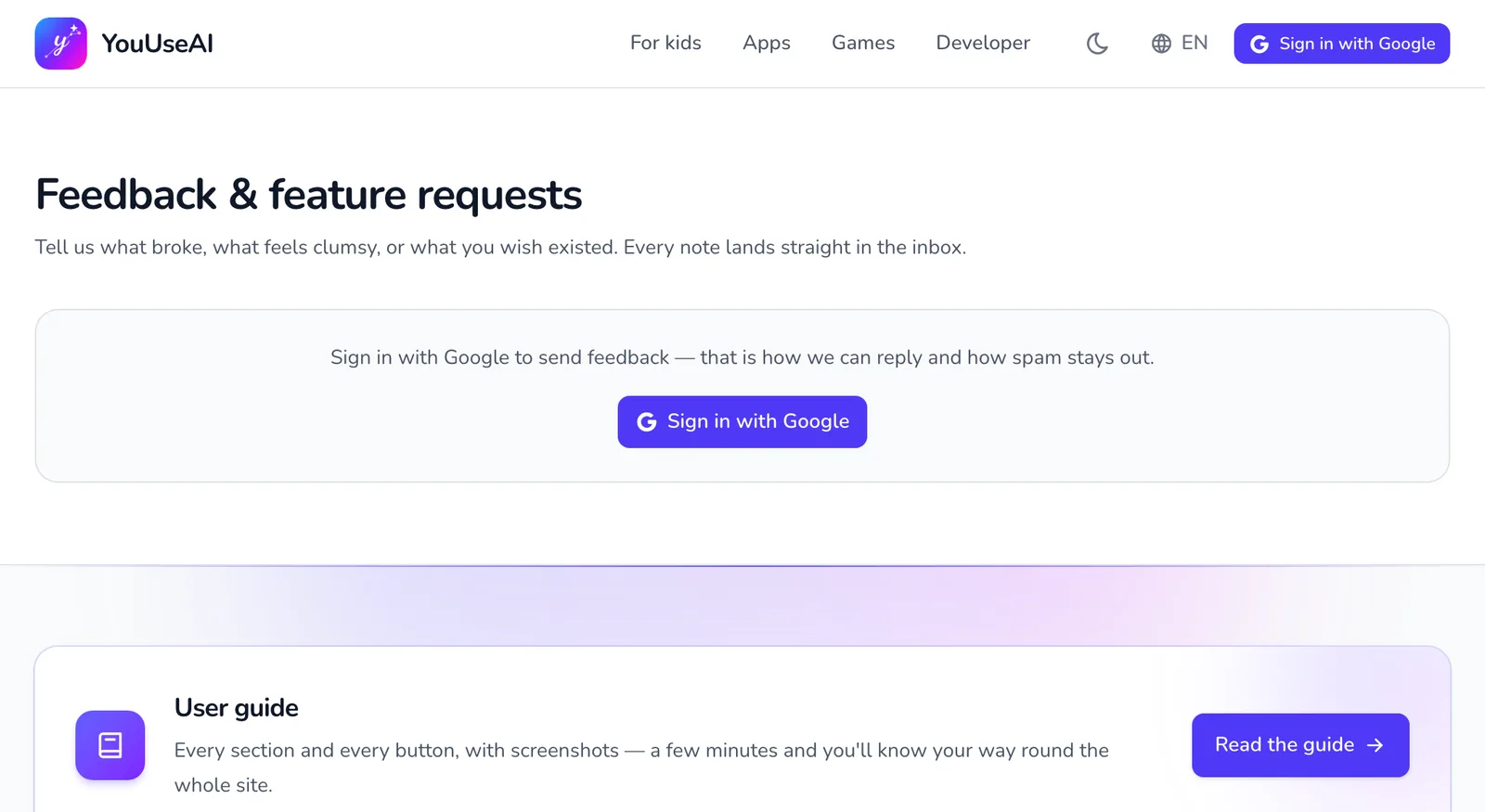
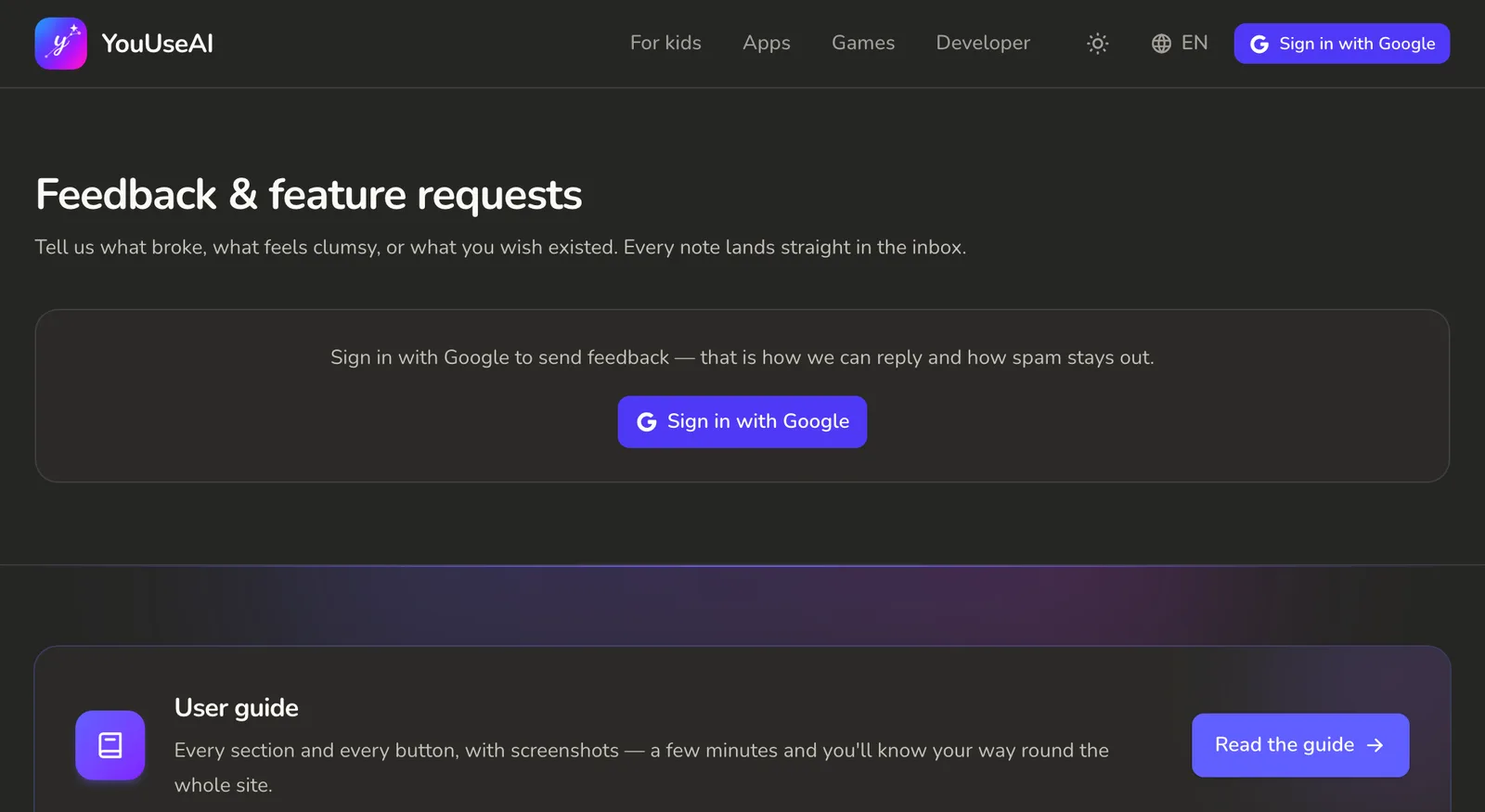
- 1Sign in to send feedback
- Open Feedback & feature requests — from the footer, or My feedback in the account menu. Until you sign in, the page only shows Sign in with Google: an account lets us reply and keeps spam out.
- Choose the kind — Something is broken, Feature request or Other — and the priority.
- Write a title (4–120 characters) and the details (10–4000 characters); Markdown works. Say what you did, what the screen showed and what you expected.
- Press Send feedback. It appears in your list straight away, marked New, In progress, Resolved, Declined or Closed, and any reply from an admin shows there too.
Feedback can't be edited or deleted once it's sent — it's a conversation with the admins.
Reporting a bug from inside a game
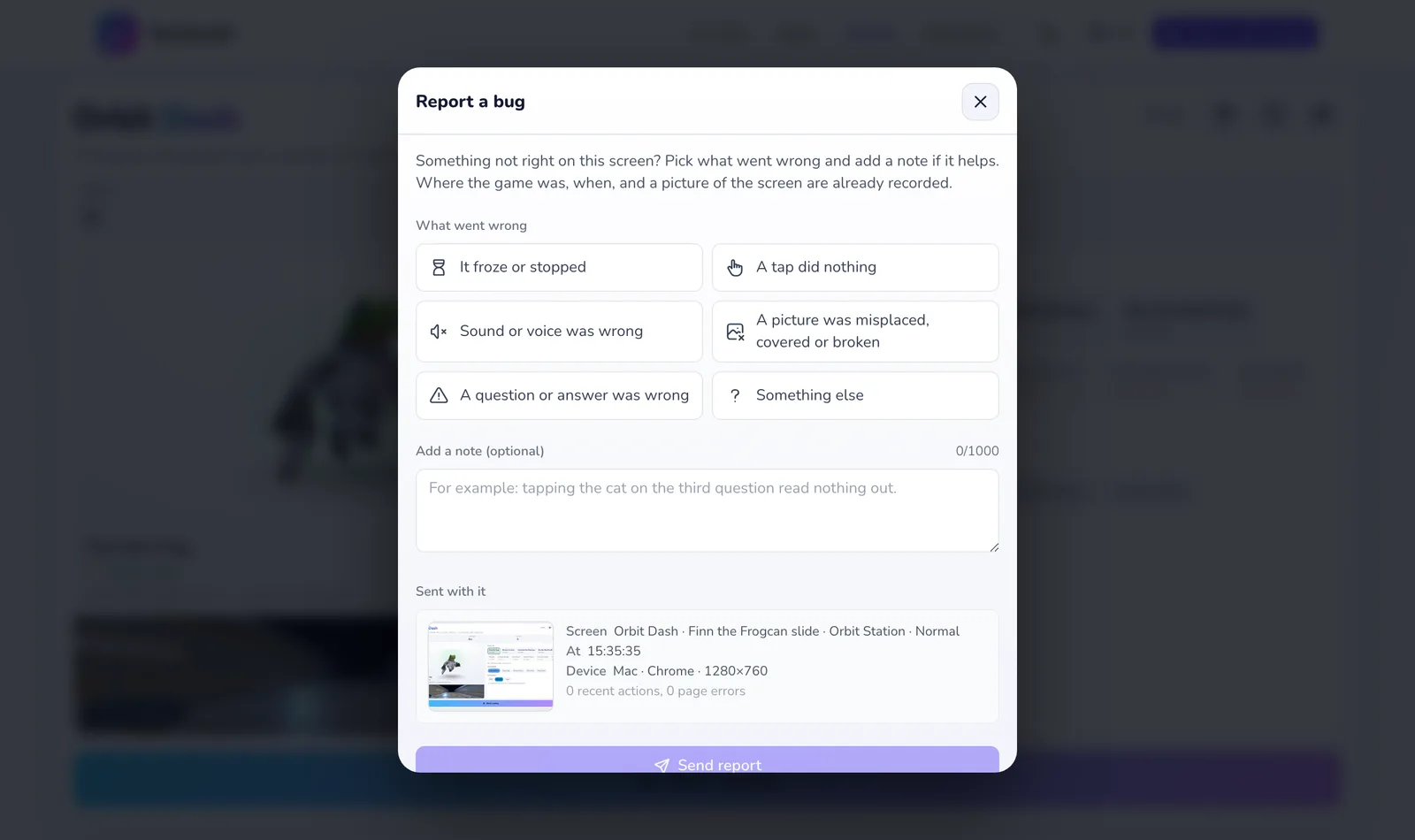
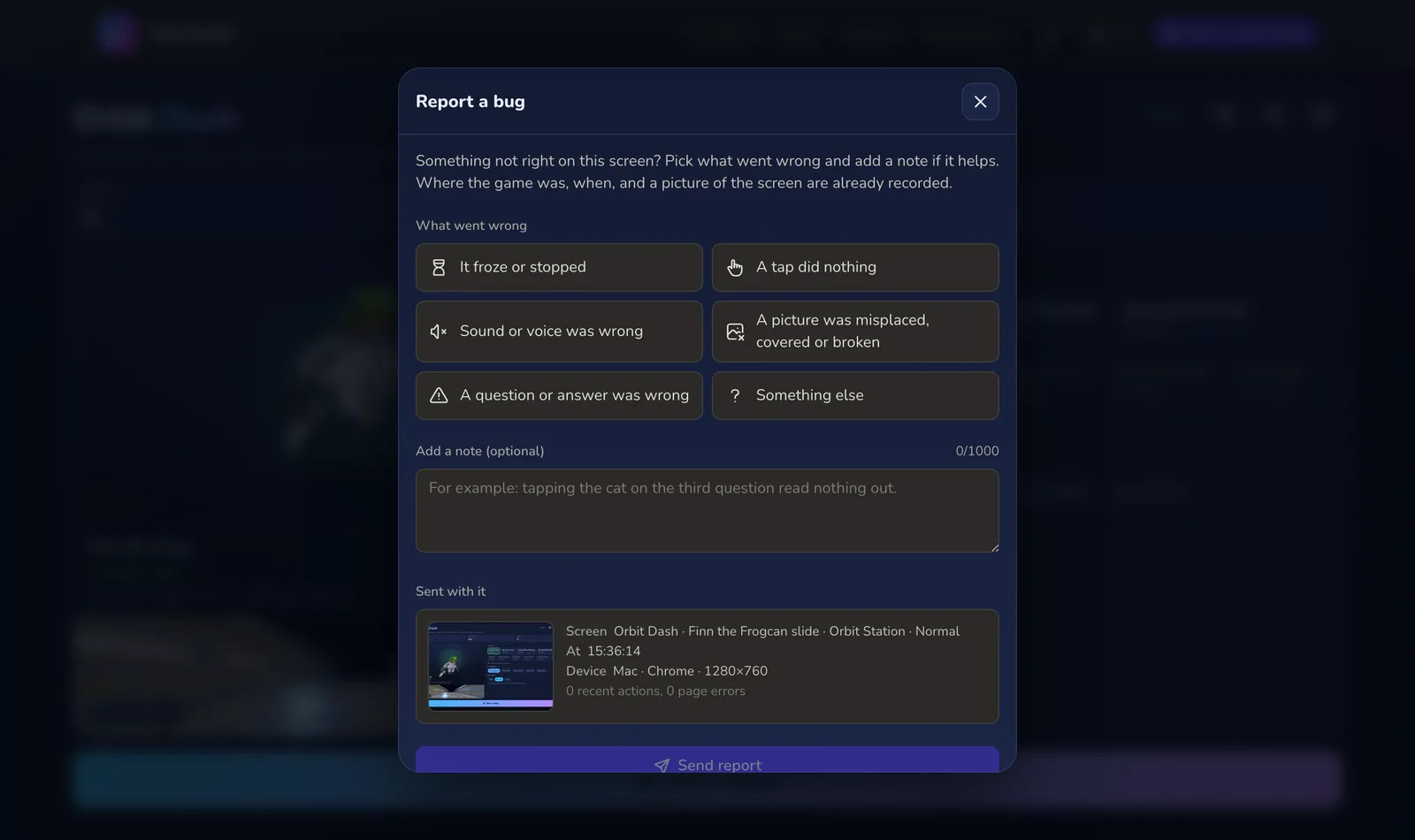
- 1What gets sent, to check first
- 2Send it
Every game and every activity in For kids has a Report a bug button, no sign-in needed. In For kids it sits behind the parents' gate.
- Pick what went wrong: It froze or stopped, A tap did nothing, Sound or voice was wrong, A picture was misplaced, covered or broken, A question or answer was wrong or Something else.
- Add a note if you like — where your child tapped when it went wrong, say.
- Sent with it shows you what goes with it before you send: the stage, the time, your device and a screenshot.
- Press Send report.
Reports are deleted once the bug is fixed, and after 90 days at the latest.
Other ways to reach us
Our Facebook page, email address and official channels are all on the Contact page.