
Parts of the guide
2.The home page: a look at what each section holds
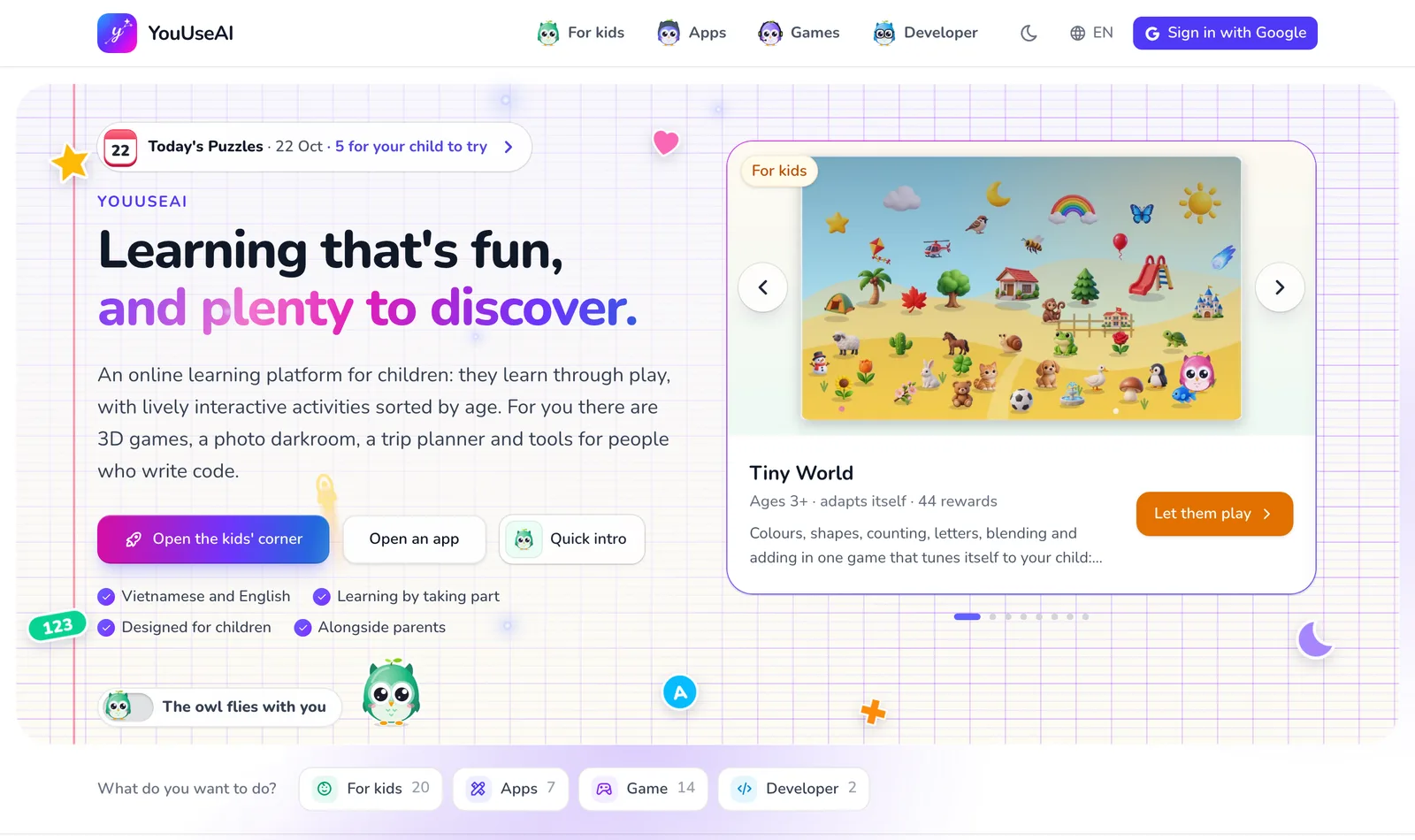
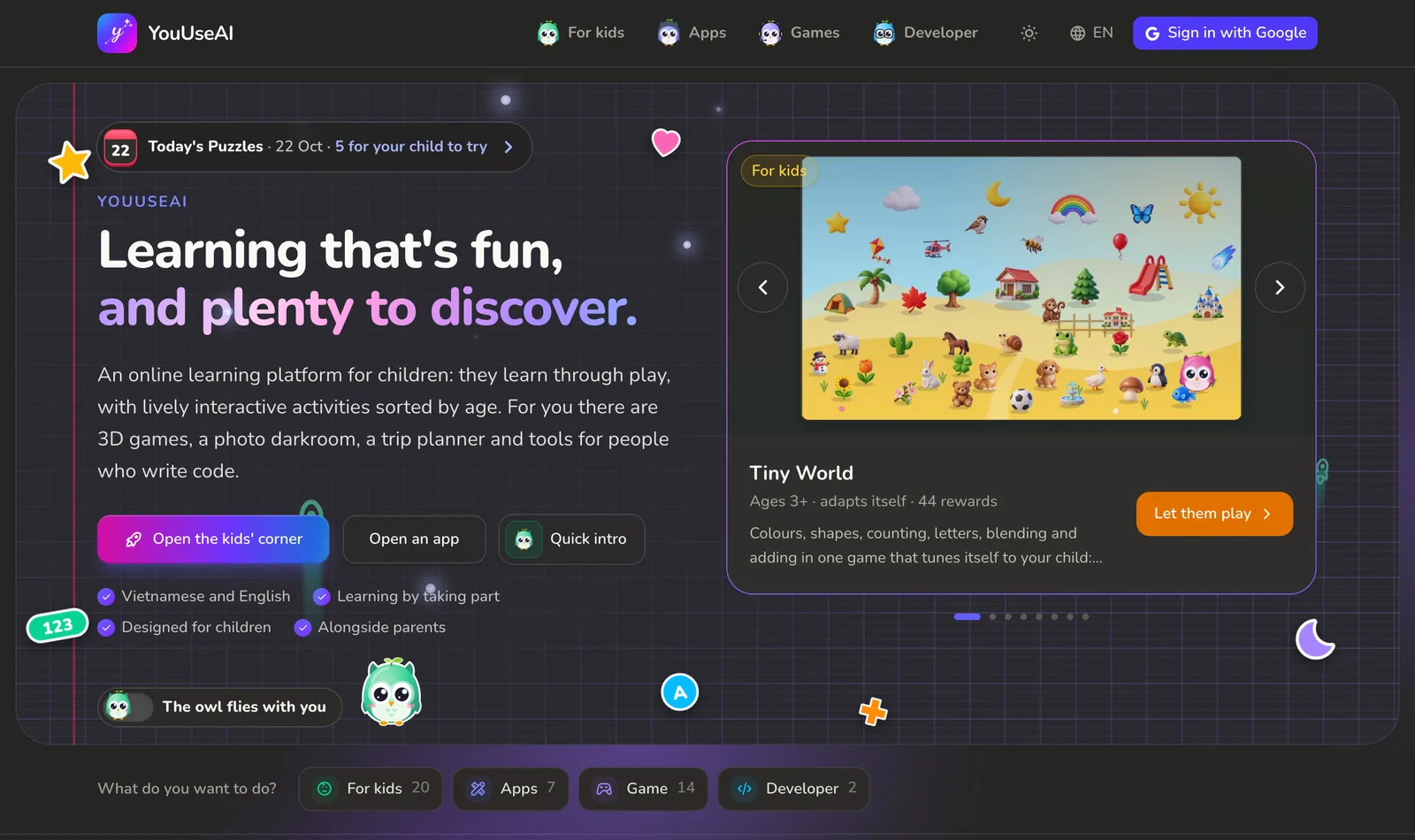
The home page follows the menu's order and shows a few highlights from each section, so you can see what's here before you choose.
The top of the page
- 1Into For kids
- 2Open the Apps page
- 3Previous product
- 4Next product
- The two big buttons under the heading are the most-used ways in: Open the kids' corner for parents of young children, Open an app for anyone with a job to do. Next to them, Why this site exists explains why the site was made.
- The panel on the right steps through the highlights one at a time — name, age and a short description. Use the arrows to go back or forward, or the dots underneath to jump to one. The button inside the panel opens that product.
- The What do you want to do? row underneath has one button per section, with how many products each holds. Each button opens that section's page.
Four rows of products
Further down are four rows: For kids, Apps, Games, Developer. Each card has a picture, a name, a one-line summary and an open button. Anything marked Hot leads its row; New means it has just come out.
A row only shows a few. To see the lot, use the link at the end — See all games, for instance.
Further down
- Young children do not have to learn the traditional way: what works the same everywhere — progress that follows you to another device, results you can send as a link or download, Vietnamese and English.
- The questions people actually ask: whether you need to sign up, where your data goes, where to report a bug… Click a question to open its answer.
- A way to send feedback, then the footer, with links to this guide, the contact page and the policies.